Multi-Device
Connect many numbers via QR code or pairing code, with auto-reconnect.

Connect WhatsApp numbers to your apps and systems. Send notifications, receive messages via webhook, and manage many numbers with your team from one panel.
Learn about its capabilities, usage flow, and implementation details.
Open Details →DemoSee the dashboard and operational workflow in action.
Open Demo →ConsultationDiscuss your usage needs and implementation scale.
Contact →per month. Final details depend on your implementation needs.
Transparent pricing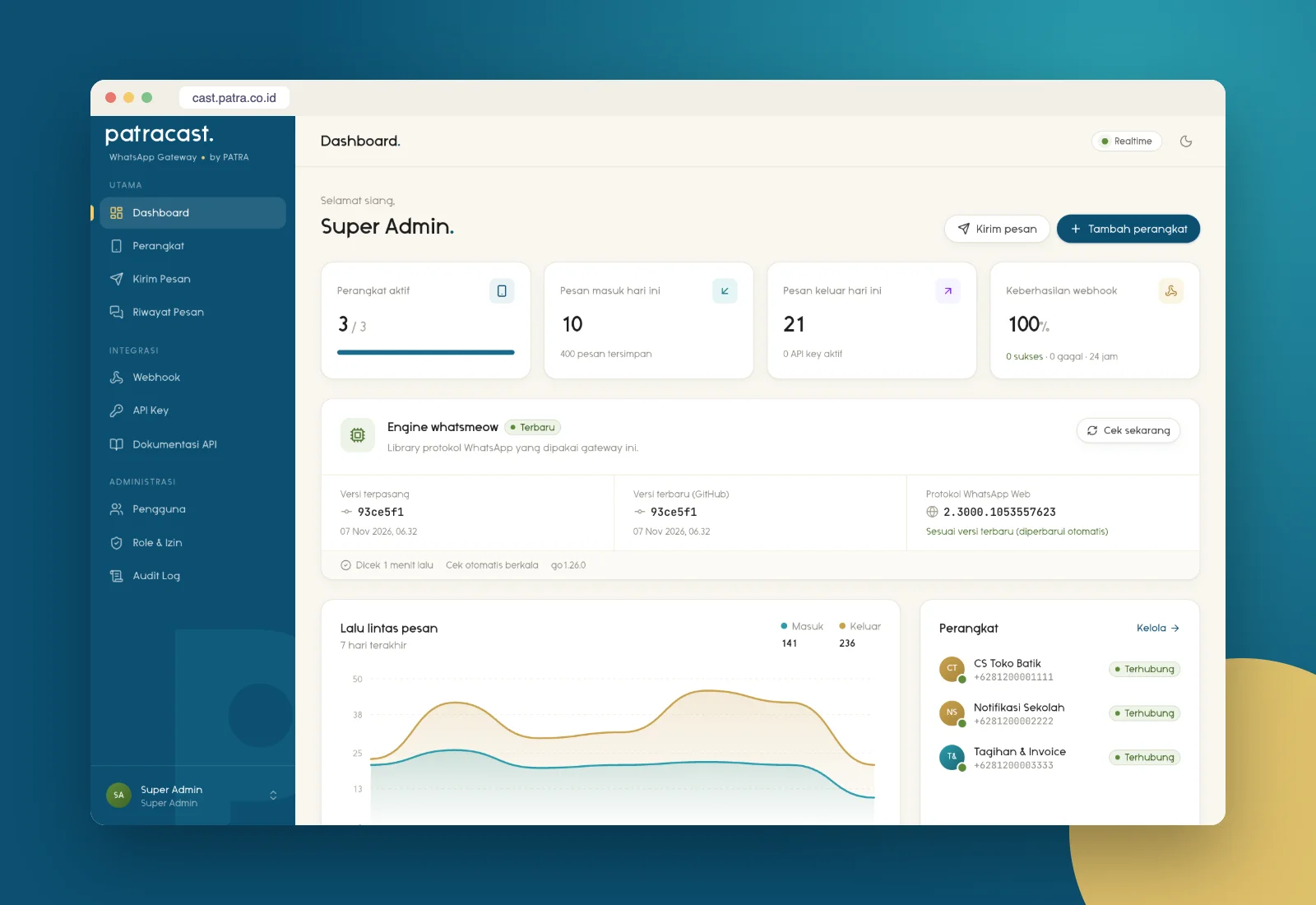
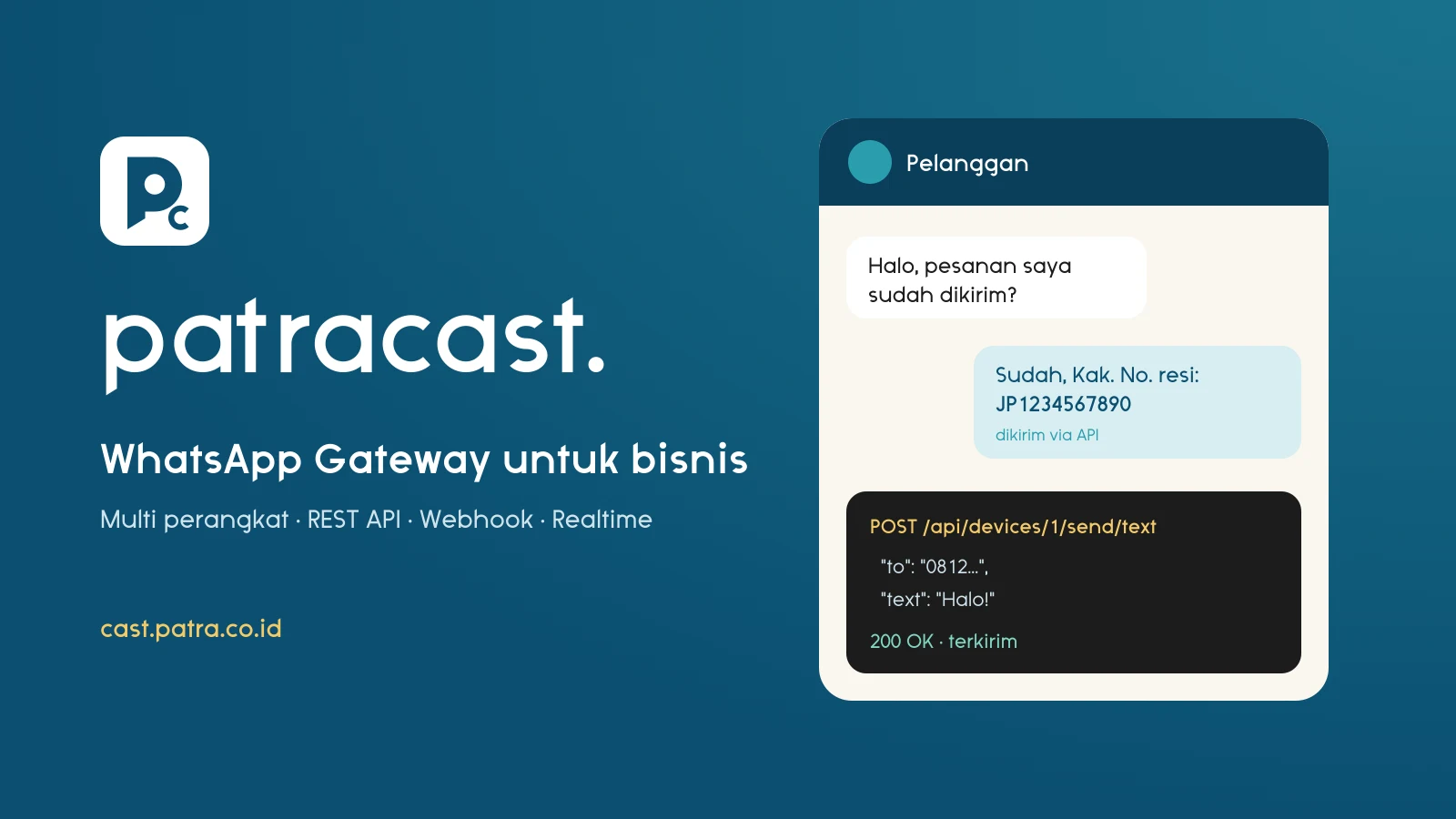
Patracast connects WhatsApp numbers to your apps, website, or internal systems through a REST API and webhooks. Send notifications, order confirmations, billing reminders, and auto-replies from one tidy panel. The dashboard shows active devices, message traffic, webhook status, and engine version in real time.
Connect many numbers via QR code or pairing code, with auto-reconnect.
Send text, media, locations, contacts, and reactions. Check numbers, list groups, and show typing indicators.
Receive incoming messages in your system with event filters, HMAC-SHA256 signatures, and automatic retries.
Device status, QR codes, and incoming messages update instantly without refreshing.
14 granular permissions and custom roles. Share devices safely with team members.
Limit access per device and permission, and set an expiry for every key.
Every important action is recorded, so your team knows who changed what and when.
The WhatsApp protocol version updates automatically and devices reconnect on their own.
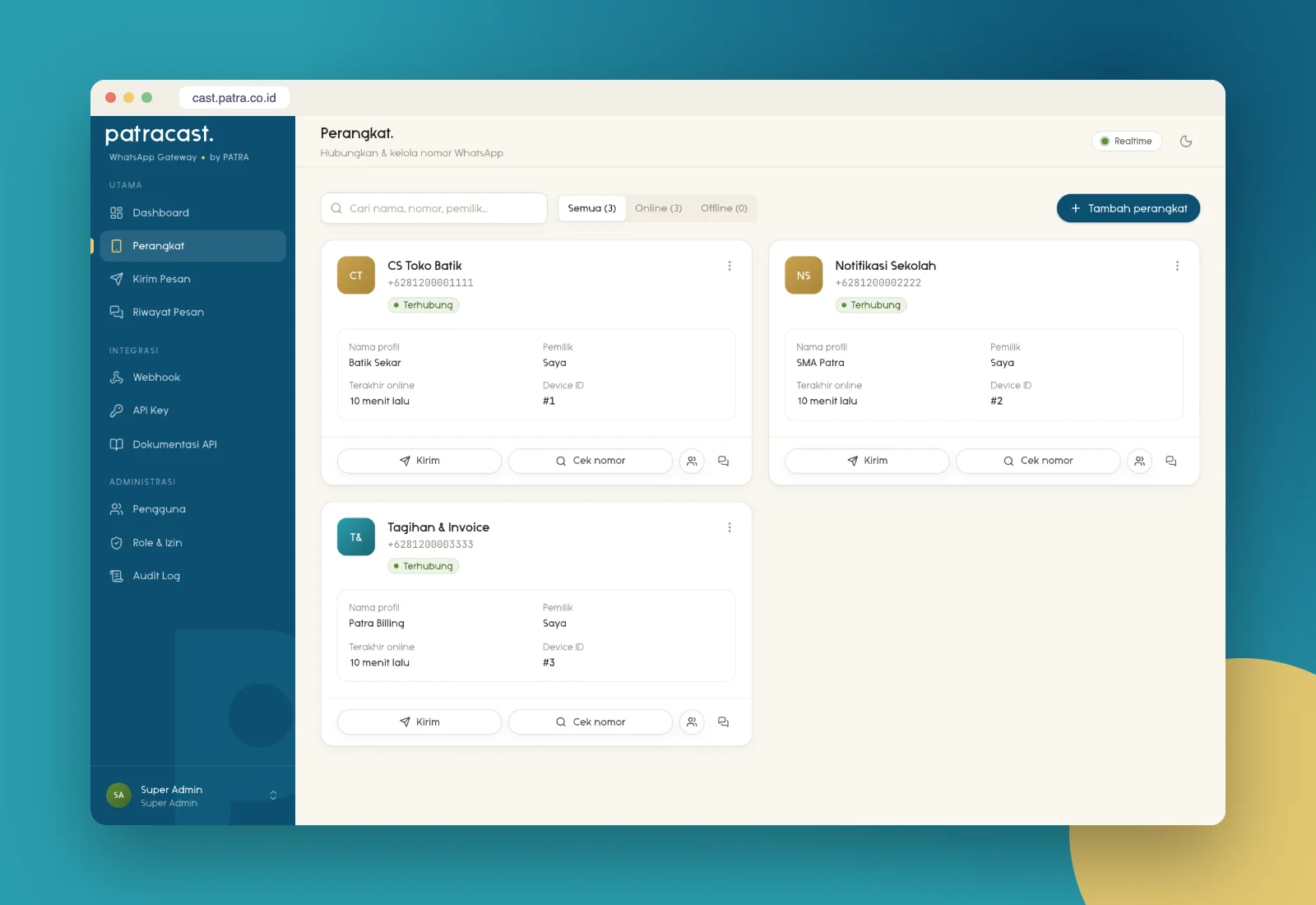
See each number's status, owner, and last online time. Share numbers with team members, check recipient numbers, and send messages straight from the device card.
Scan the QR code from the WhatsApp app and the number is live in the panel.
Choose the scopes and devices it may use, then copy the key into your app.
Call the API to send messages and set up a webhook to receive replies.
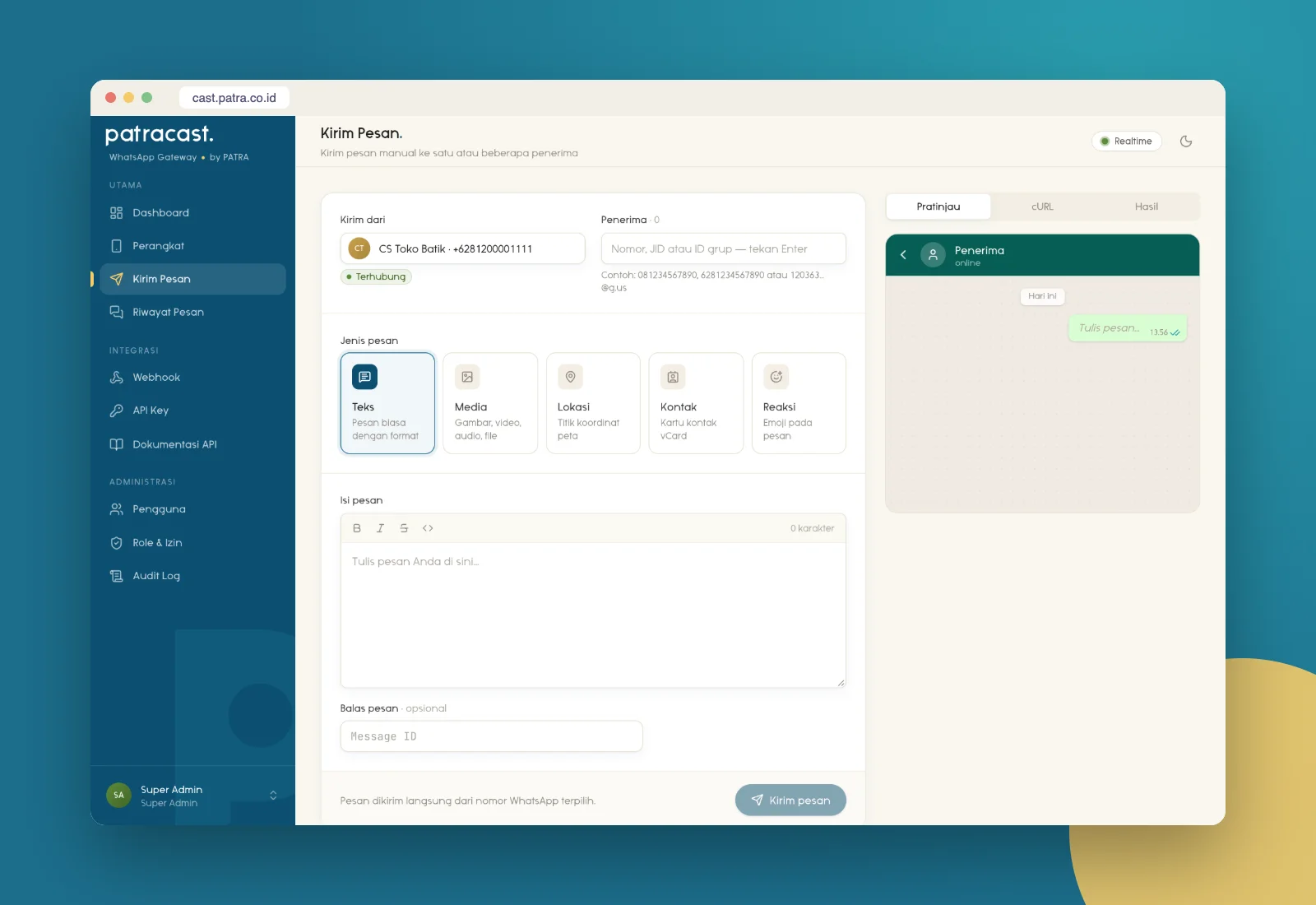
Non-technical staff can send text, images, documents, locations, and contacts right from the panel. Developers use the same REST API for automation, with interactive documentation.
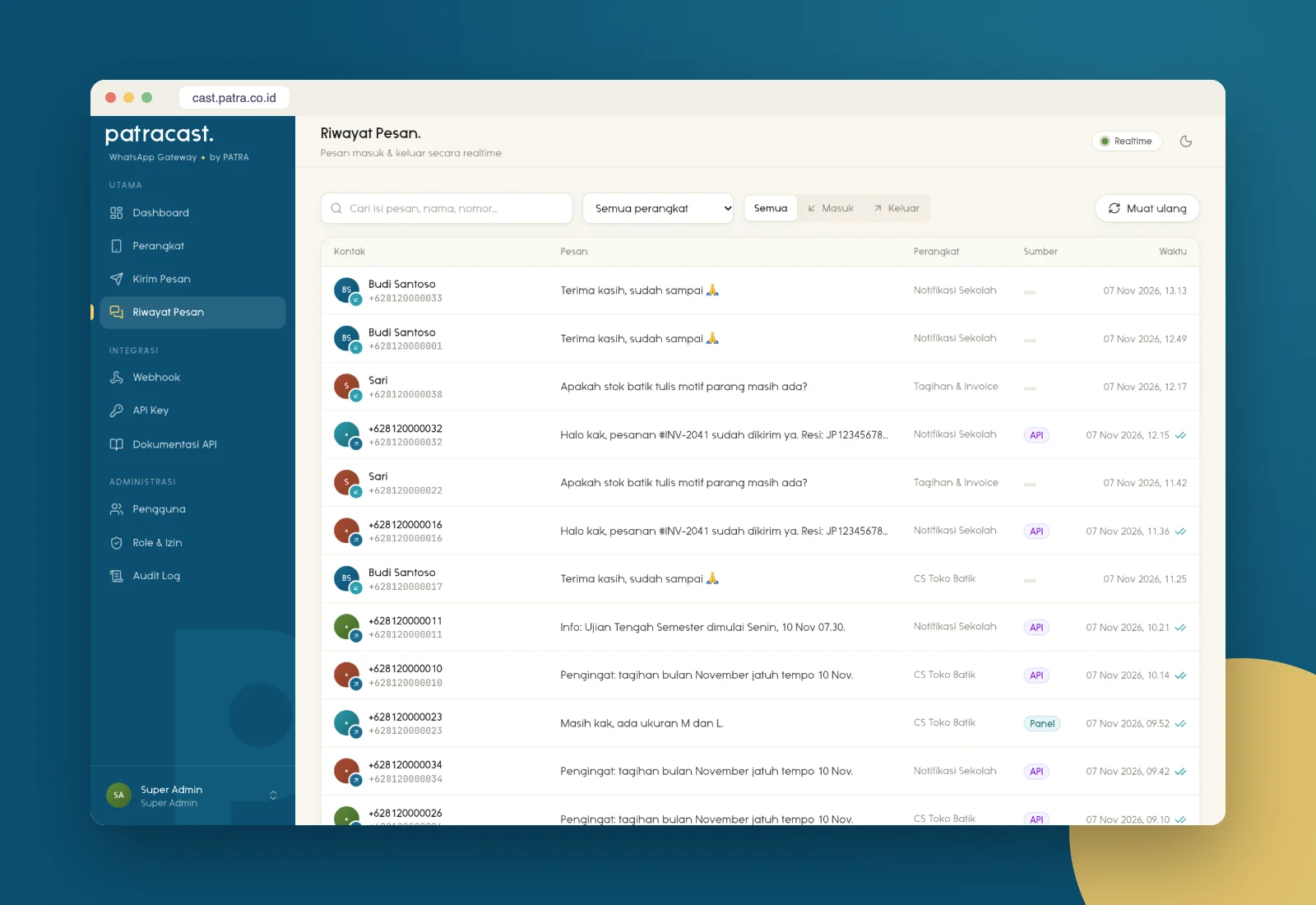
From online shops to schools, Patracast helps important messages arrive on time.
No. A regular WhatsApp or WhatsApp Business number connected by QR code is enough.
Yes. The Patracast panel includes interactive API documentation you can try right away.
Use it for transactional messages and customer conversations; avoid spam or mass broadcasts to unknown numbers.