
A School's Guide to Running Computer-Based TKA Practice Tests
Step by step to running TKA (Indonesia's Academic Ability Test) simulations at school: infrastructure, question banks, proctoring, and result analysis.
TKA (Tes Kemampuan Akademik, Indonesia's Academic Ability Test) requires students to be comfortable answering a variety of question formats on a computer. That is why computer-based simulations are no longer an optional extra but an essential part of preparation. Here is a practical guide to running smooth simulations at your school.
1. Prepare the infrastructure early
- Server: use an on-site school server or a VPS so the exam stays stable even when the external internet is slow.
- Network: test Wi-Fi and LAN capacity with the actual number of participants, not an estimate.
- Devices: laptops, lab computers, or students' phones. Web-based apps and PWAs make this easy because no complicated installation is needed.
2. Build a question bank in TKA format
TKA is not just multiple choice. Prepare a variety of question types:
- Stimuli or reading passages with several questions.
- Complex multiple choice (more than one correct answer).
- True-false matrices covering several statements at once.
- Matching and short-answer questions.
To save time, import question scripts teachers have already written in Microsoft Word, complete with images and formulas.
3. Organize schedules, rooms, and participants
Group participants by class and room, prepare exam tokens, and shuffle the order of questions and answer options. Randomization makes collaboration between students far more difficult.
4. Proctoring and anti-cheating
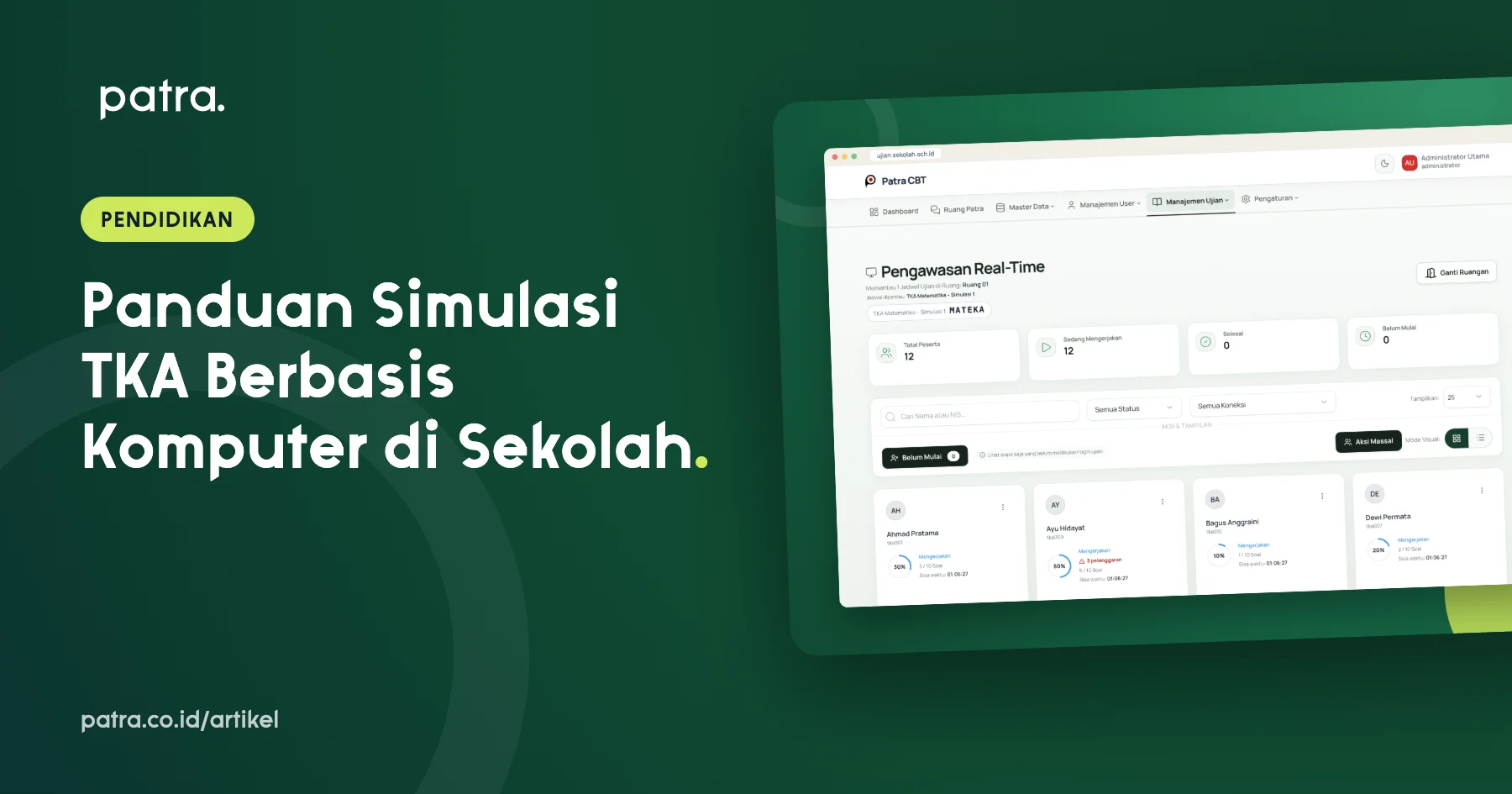
Use a real-time proctoring dashboard to see who has not started, who is working, and who is having problems. Enable full-screen mode, tab-switch detection, and detection of browser extensions that fake an active status. Proctors should also be able to add time or unlock sessions when technical issues occur.
5. Plan for connection problems
Make sure answers are saved automatically and re-synced once the connection is restored. Time limits should be controlled by the server, not by the clock on students' devices.
6. Read results with item analysis
A simulation is only useful if its results are interpreted correctly. Look at the average, score distribution, and the difficulty and discrimination index of each question. Topics with many wrong answers become priorities for classroom review.
Quick checklist before test day
- Run a trial with one class first.
- Print participant cards and attendance lists.
- Brief proctors on troubleshooting procedures.
- Prepare backup devices.
Exampatra is designed for exactly this workflow: eight TKA/AKM question types, Word import, real-time proctoring, live scores, and automatic item analysis, so the committee can focus on students instead of technical matters.